
Steps to Follow
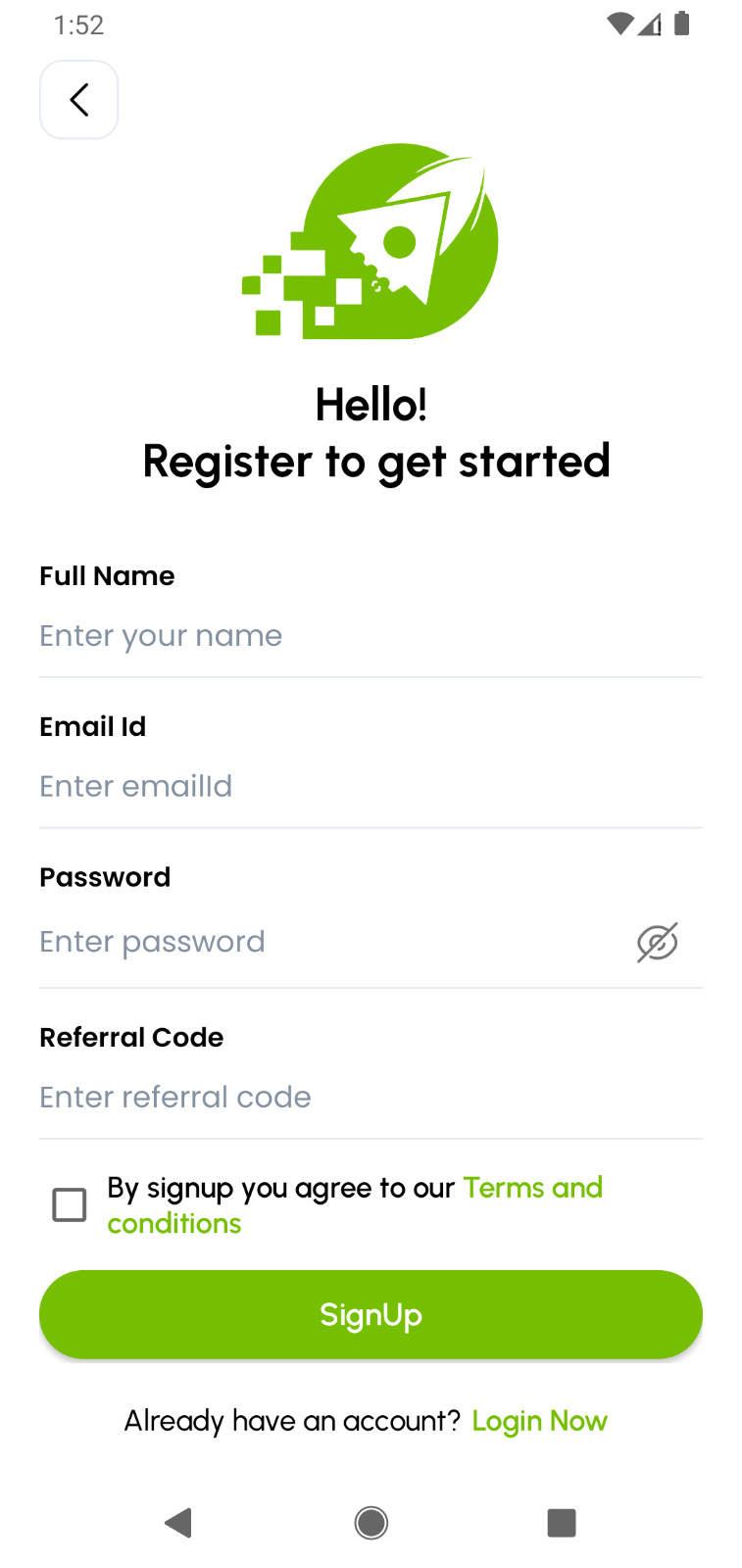
Get started in seconds. Download the app, create your profile, and customize your preferences to suit your needs.
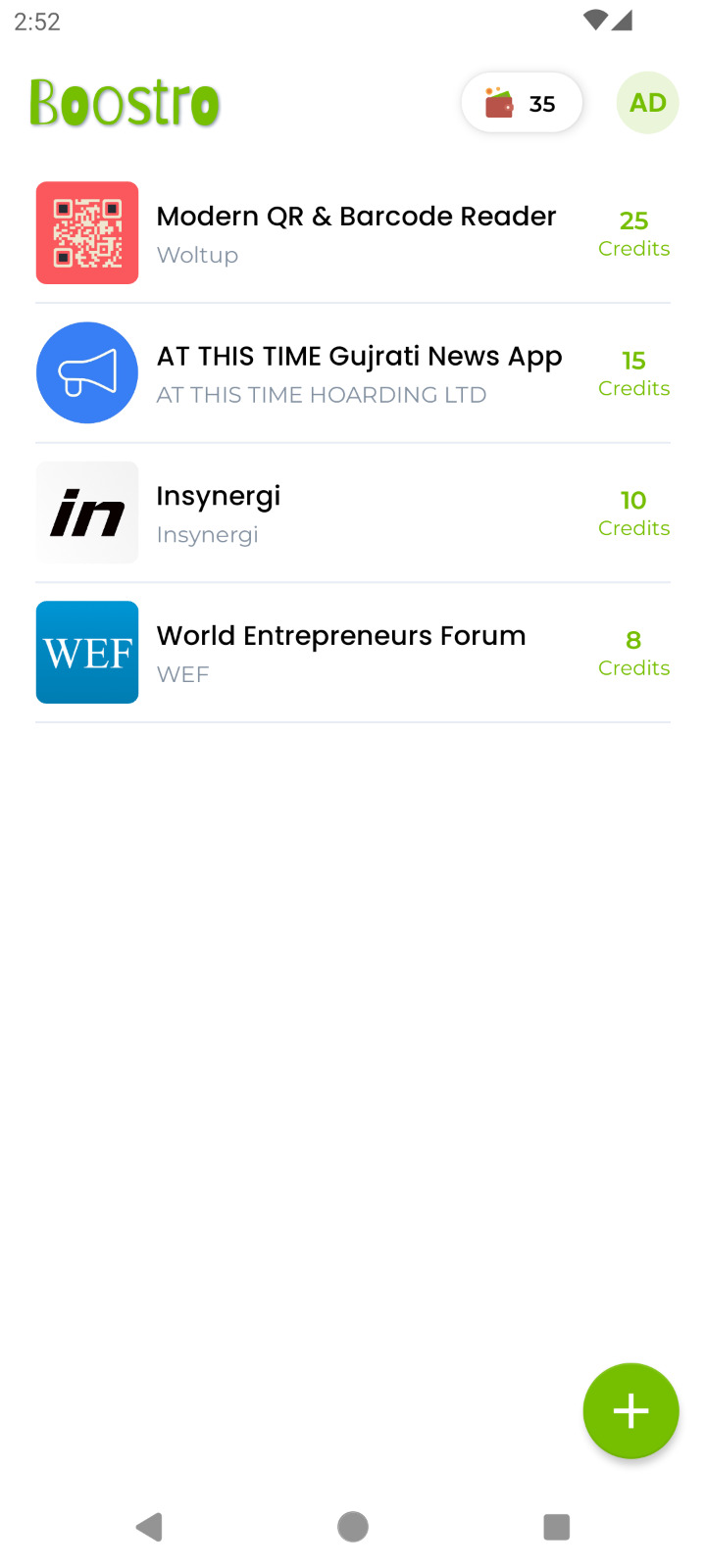
Open the app and explore a curated list of Play Store apps that need your feedback. These could be new launches, updates, or apps seeking more user insights.
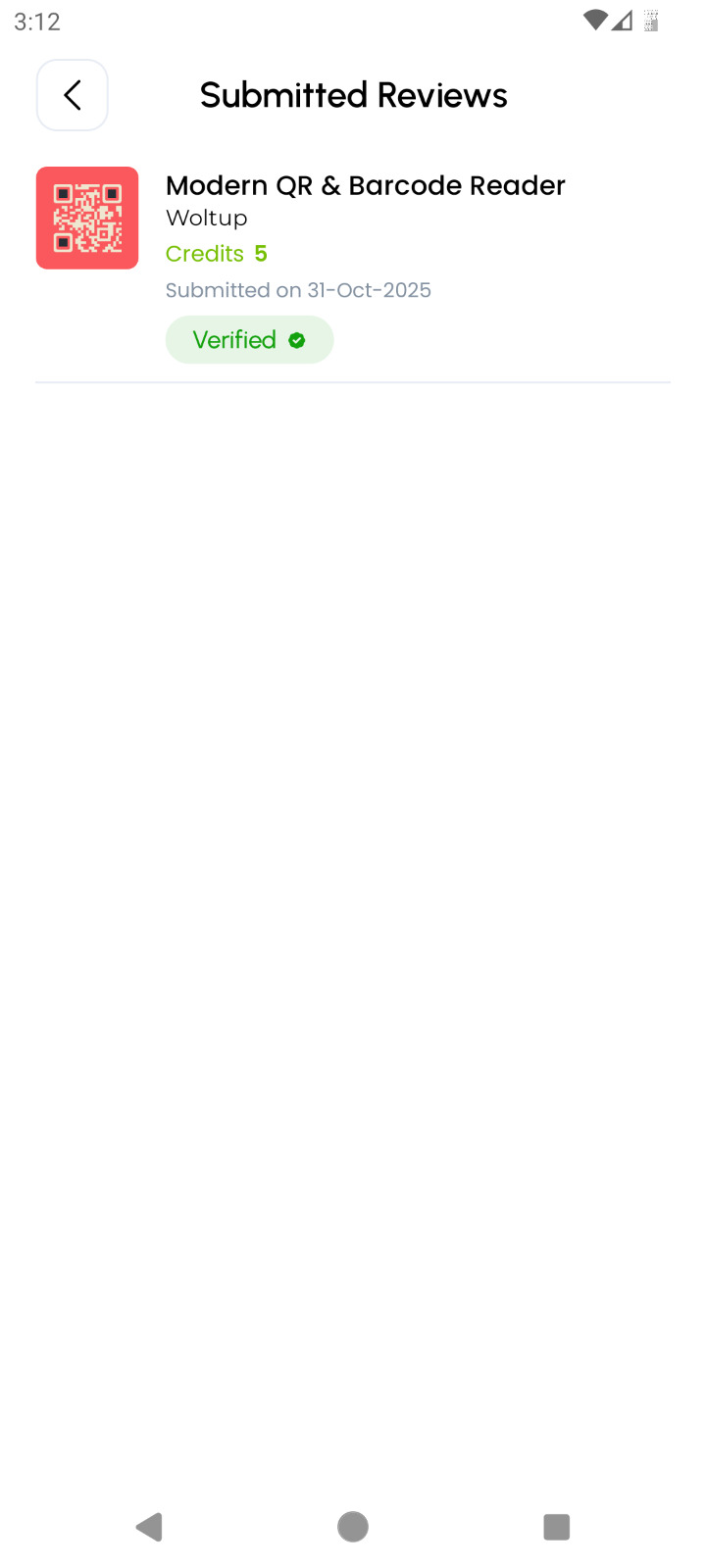
Click on any listed app and head over to the Play Store. There, leave your honest rating and detailed review based on your experience.
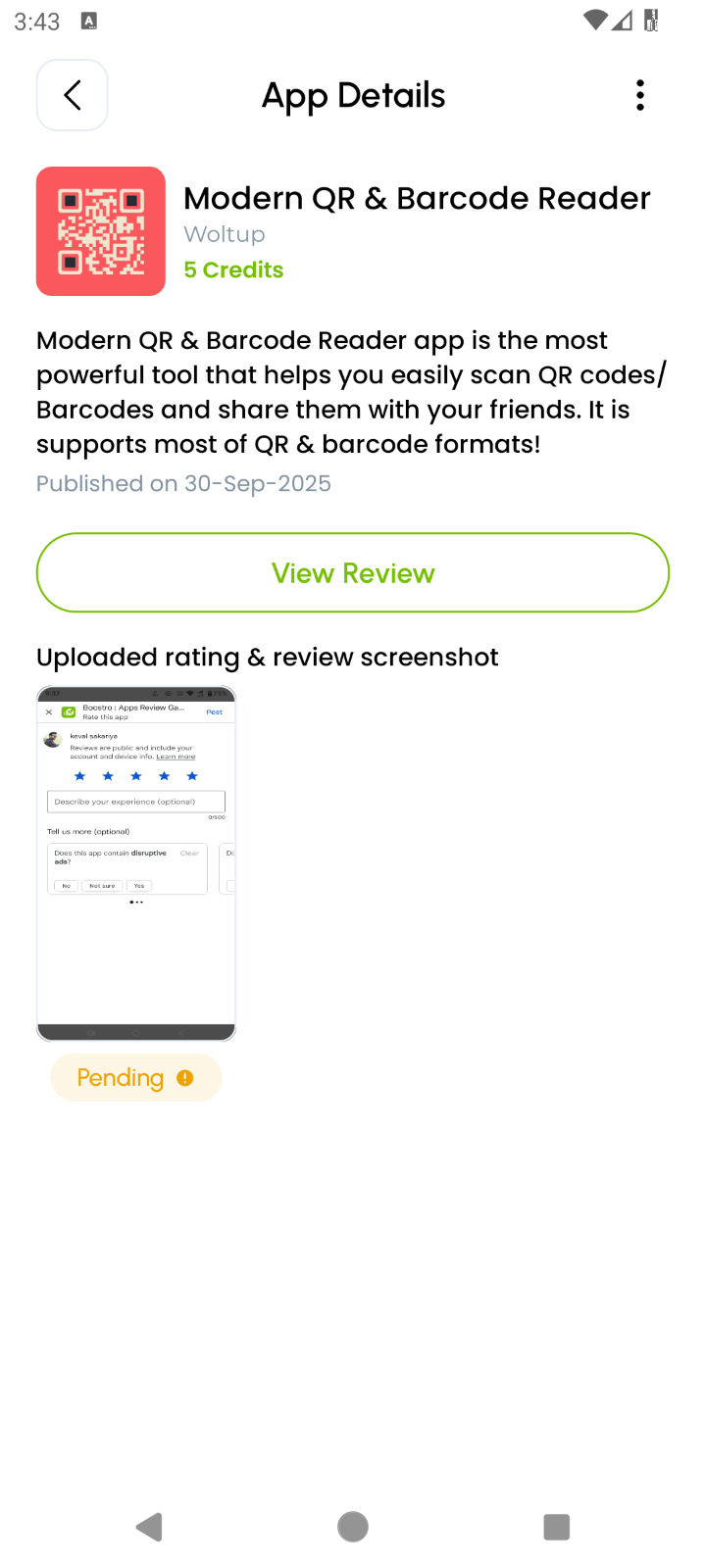
After submitting your review, return to Boostro app and upload a screenshot showing your review on the Play Store. This helps app developers verify your contribution.
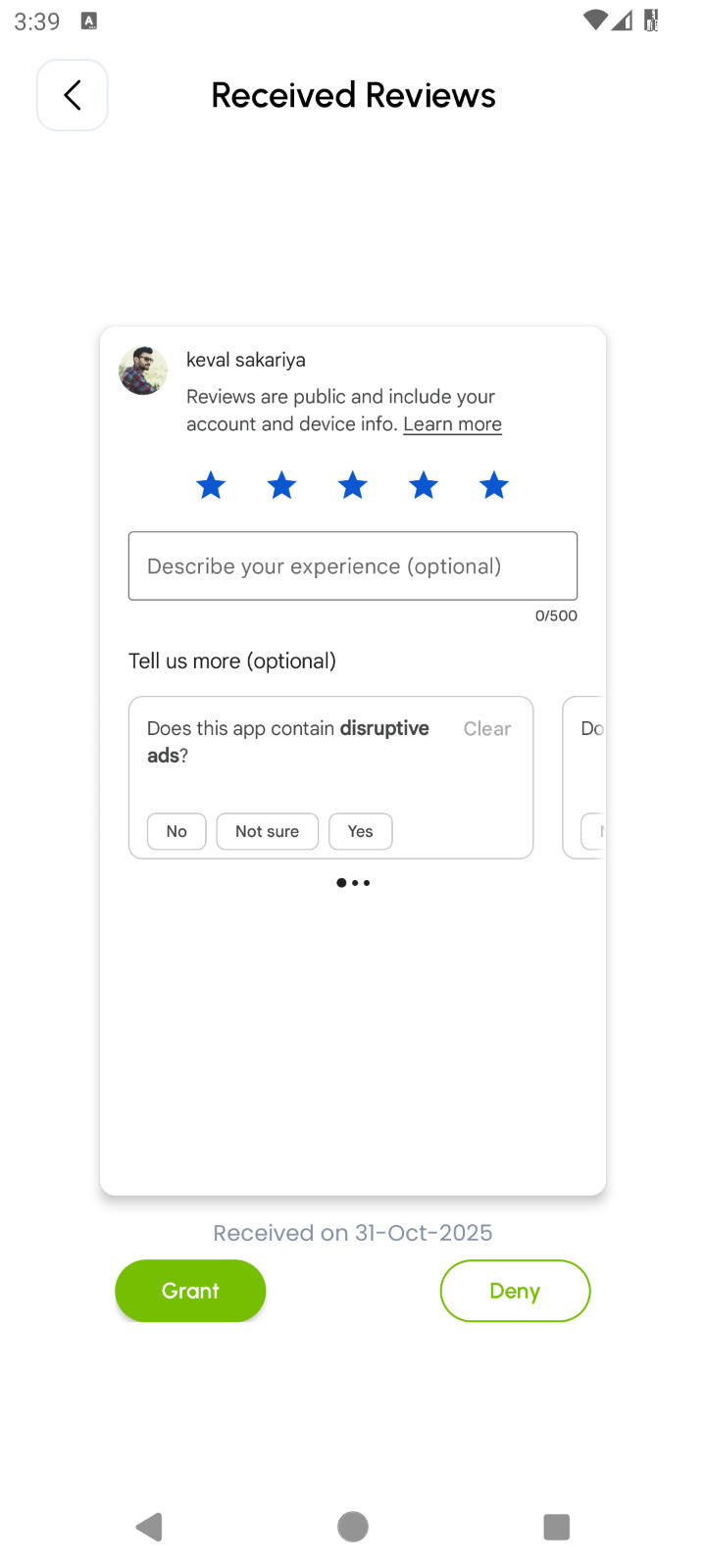
Once your review is verified by the app owner or recipient, you’ll receive credits in your Boostro app wallet. These credits will use to publish your app in platform and get reviews.